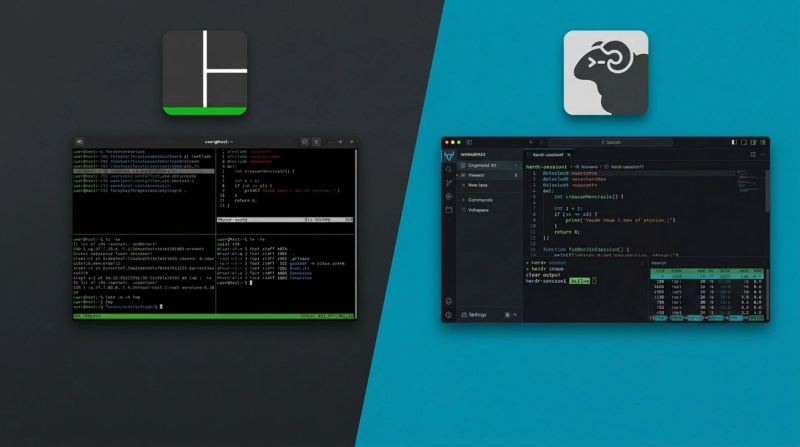

I opened a tmux session in 2022 and basically never closed it. Detach, reattach, SSH from my phone when something broke at 2am. First thing installed on any new machine, before editors, before anything.
I stopped a few months ago.
What tmux gets right
The core promise: keep your processes alive after you close the window. tmux does this perfectly, almost no overhead. Sessions, windows, panes. Works on every server you'll ever touch, over SSH, no setup.
I used it mostly for long remote sessions. Start working, detach, go home, reattach, keep going. The model is so good that "like tmux" became shorthand for any persistent terminal behavior.
But I was running into something tmux was never designed for.
The problem with coding agents
I started running Claude Code and other agents inside my terminal. Each one gets its own pane. Each pane is completely opaque. Six panes open, no way to know which agent finished, which was blocked waiting for input, which was still running, without switching into every single one.
Cycling through them manually. Checking each one like walking a row of cages.
What herdr changed
Herdr keeps everything tmux does well. Same Ctrl+b prefix. Same detach and reattach model. Same SSH workflow, including a --remote flag that runs the server on the remote machine and the client locally, bridging your clipboard and keeping your keybindings. You don't lose anything there.
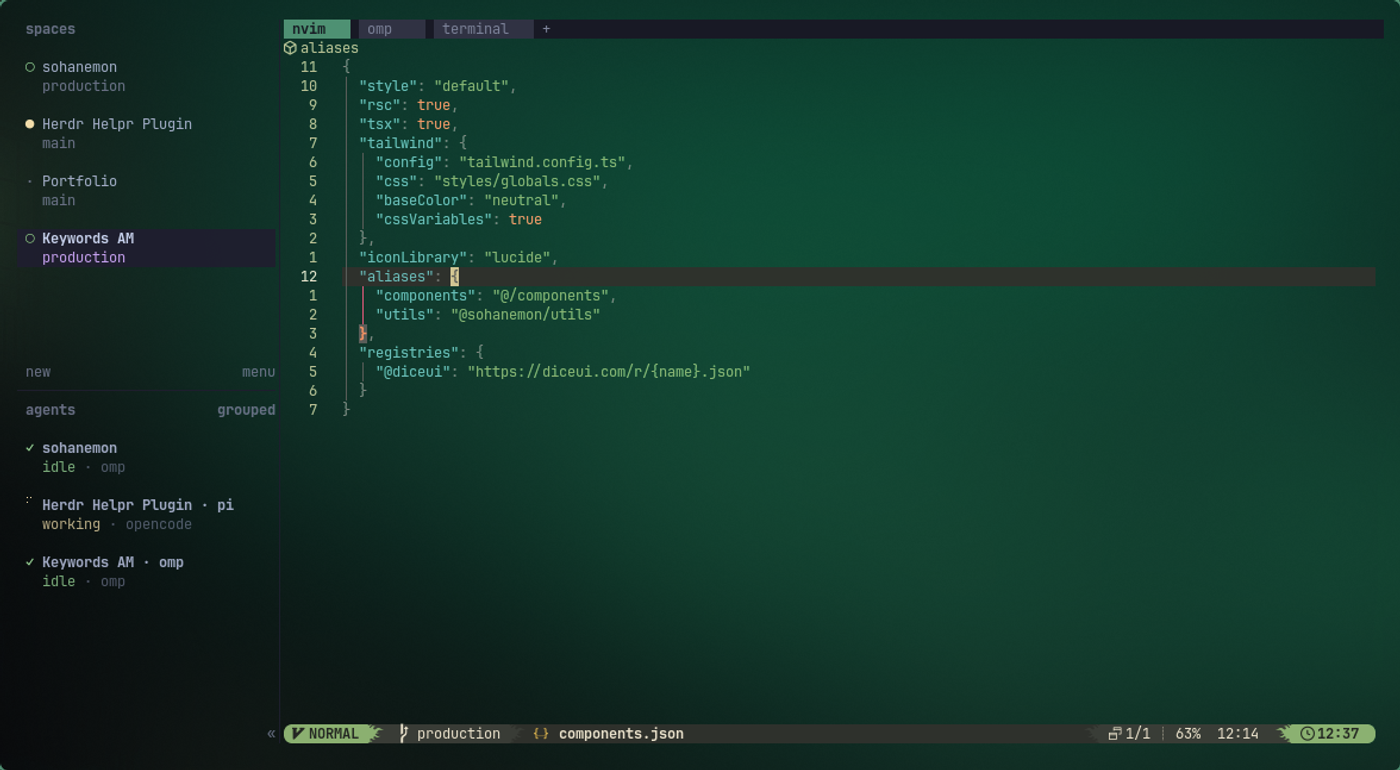
What it adds is agent awareness. A sidebar shows blocked, working, done, and idle state across every pane at a glance. I can see what needs my attention without peeking into anything.
The socket API is the other piece. Agents can call herdr themselves: create workspaces, split panes, run commands, wait on each other, read output, clean up. I didn't expect to use this much. It turned out to be the most useful part. I built a small plugin called herdr-helpr that adds keyboard-driven prompts for creating workspaces, renaming them, and closing everything except the focused pane. That kind of control in tmux would've meant maintaining a pile of shell scripts.
Direct attach is the third thing. Instead of landing wherever the session focus was left, you attach to a specific pane directly. Small thing, but it matters when you have ten agents running.
What I lost
Muscle memory is the real cost. The patterns I'd built over three years. Retraining takes weeks.
The ecosystem gap is real too. tmux has tmuxinator, resurrect, broadcast-to-all-panes, copy mode with buffer management, decades of community tooling. Herdr has a plugin system and a growing marketplace, but some of that stuff has no direct equivalent yet.
The honest take
If you don't run coding agents in your terminal, stay with tmux. Nothing wrong with it.
But if agents live in your terminal the way they live in mine, tmux's opacity is a real cost. You're flying blind across panes. Herdr makes the state visible and gives agents a surface to orchestrate themselves.
The herd needed a herder. Turns out that's the whole point.