
The Core Idea
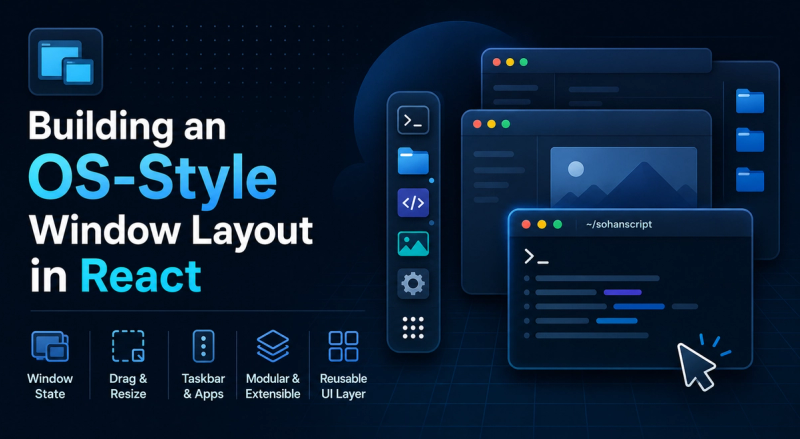
The system centers on a few pieces that work together: a Zustand store for window state, a config file that declares what each window is, and a few UI components that handle the visual side.
Here's how I approached building a desktop-like windowing system inside a React application. You can try a live version at /os.
TLDR;
Codes that power the windowing system:
const windowSchema = z.array(
  z.object({
    id: z.string(),
    title: z.string(),
    icon: z.string(),
    status: z.enum(["open", "closed"]).default("closed"),
    zIndex: z.number().default(10),
    width: z.number().default(672),
    minWidth: z.number().default(300),
    minHeight: z.number().default(460),
    contentClassName: z.string().optional(),
    initialPosition: z.object({
      left: z.number().optional(),
      right: z.number().optional(),
      top: z.number().optional(),
      bottom: z.number().optional(),
    }).optional(),
    element: z.custom<React.ReactElement>().or(z.string()),
  }),
);

export const WINDOW_CONFIGS: WindowConfig[] = [
  {
    id: "about",
    title: "about.md",
    icon: "solar:user-rounded-linear",
    width: 720,
    initialPosition: { right: 50, top: 50 },
    element: <About />,
  },
];
Dependencies
npm install zod zustandSchema
The element field accepts either a React element or a string URL — so some apps open as windows while others navigate to a separate page.
{
  id: "about",
  title: "about.md",
  icon: "solar:user-rounded-linear",
  width: 720,
  initialPosition: { right: 50, top: 50 },
  element: <About />,
}
Store
Initial state is derived from the config array. Runtime fields like zIndex and status start at sensible defaults.
const INITIAL_WINDOWS: ManagedWindow[] = WINDOW_CONFIGS.map(
+  ({ element: _el, ...rest }) => rest,
);
Each action in the store handles one window lifecycle concern. Here's openWindow and its shake-or-focus logic:
openWindow: (id) => set(({ windows }) => {
  const maxZ = topZ(windows);
  return {
    windows: windows.map((w) => {
      if (w.id !== id) return w;
      if (w.status === "closed" || w.status === "minimized")
        return { ...w, status: "open", zIndex: maxZ + 1 };
      if (w.zIndex === maxZ) return { ...w, isShaking: true };
      return { ...w, zIndex: maxZ + 1 };
    }),
  };
}),
Z-Index & Focus
useIsFocused compares each window's z-index against the highest among visible windows. The focused window gets a brighter border.
export function useIsFocused(id: string) {
  return useWindowStore((s) => {
    const visible = s.windows.filter(
      (w) => w.status === "open" || w.status === "maximized",
    );
    if (!visible.length) return true;
    const maxZ = Math.max(...visible.map((w) => w.zIndex));
    return (s.windows.find((w) => w.id === id)?.zIndex ?? 0) === maxZ;
  });
}
Shake
When you click an already focused window, it shakes instead of doing nothing:
useEffect(() => {
  if (!ref.current || !isShaking) return;
  const currentX = x.get();
  animate(x, [
    currentX, currentX - 8, currentX + 8,
    currentX - 6, currentX + 6,
    currentX - 3, currentX + 3, currentX,
  ], { duration: 0.5, ease: "easeInOut" });
  setTimeout(clearShake, 500);
}, [isShaking, clearShake]);
Resize
Eight invisible handles sit outside the window's overflow so they're always clickable.
<button onMouseDown={(e) => startResize(e, "nw")} />
<button onMouseDown={(e) => startResize(e, "n")} />
// ... ne, e, se, s, sw, w
On mousedown the handler captures starting positions and attaches mousemove/mouseup listeners. On each move delta is clamped to minWidth/minHeight and both position and dimensions update.
Putting It Together
The parent closes all windows for a clean start, then renders the renderer and taskbar side by side.
function OSEnvironment() {
+  const { openWindow, closeAllWindow } = useWindowStore();
+  useEffectOnce(closeAllWindow);
  // ... renders WindowRenderer + UbuntuDash
}
What You Get
Windows manage themselves through the store. The taskbar shows real-time status. Adding a new window means one config entry. The router handles page-level navigation — the window manager doesn't know about routing and the router doesn't know about window positions.